
Rithmic connectivity is available through several front ends, but support depends on platform edition, account entitlement and connection method. Choose by the workflow you need, then verify the current provider recipe. A platform appearing in a list does not grant access to every Rithmic account.
Educational software guidance. Trading involves risk. Read the financial and information disclaimers.
Verified connection references
| Platform | Documented route or material limitation | Setup |
|---|---|---|
| RTrader Pro | Native Windows desktop; web/mobile are separate interfaces | Install |
| NinjaTrader | New-onboarding restriction; existing-user entitlement must be checked | NinjaTrader |
| Quantower | Direct or Use RTrader plugin route; MBO setting separate | Quantower |
| ATAS | Direct or Connect via RTrader Pro; route-specific limitations | ATAS |
| Sierra Chart | Rithmic Direct DTC, Package 10+; restrictive Rithmic support policy | Sierra |
| MotiveWave | Documented RTrader Gateway market-data route | MotiveWave |
| Bookmap | Rithmic depth/MBO; Global+ required for the documented chart-trading use | Bookmap |
| Jigsaw daytradr | Direct Rithmic or Rithmic RTrader Pro | Jigsaw |
Each linked setup cites the current vendor instructions checked 7 October 2026. Rithmic's platform directory is a discovery route, not an account-specific entitlement decision.
Compare the actual requirements
Check operating system, software edition, data depth/history, order-entry support, supported account System, local strategy dependencies and session limits. Keep licence, exchange data, broker charges and optional add-ons separate in a cost comparison. Confirm current prices directly rather than applying a stale generic free/paid label.
TradingView is a different connection question
A chart, an embedded TradingView interface and direct broker connectivity are different things. For TradingView alerts routed through a receiving service, consult the bridge workflow. The selected receiver must support the actual Rithmic account and current message configuration.
Screenshot references
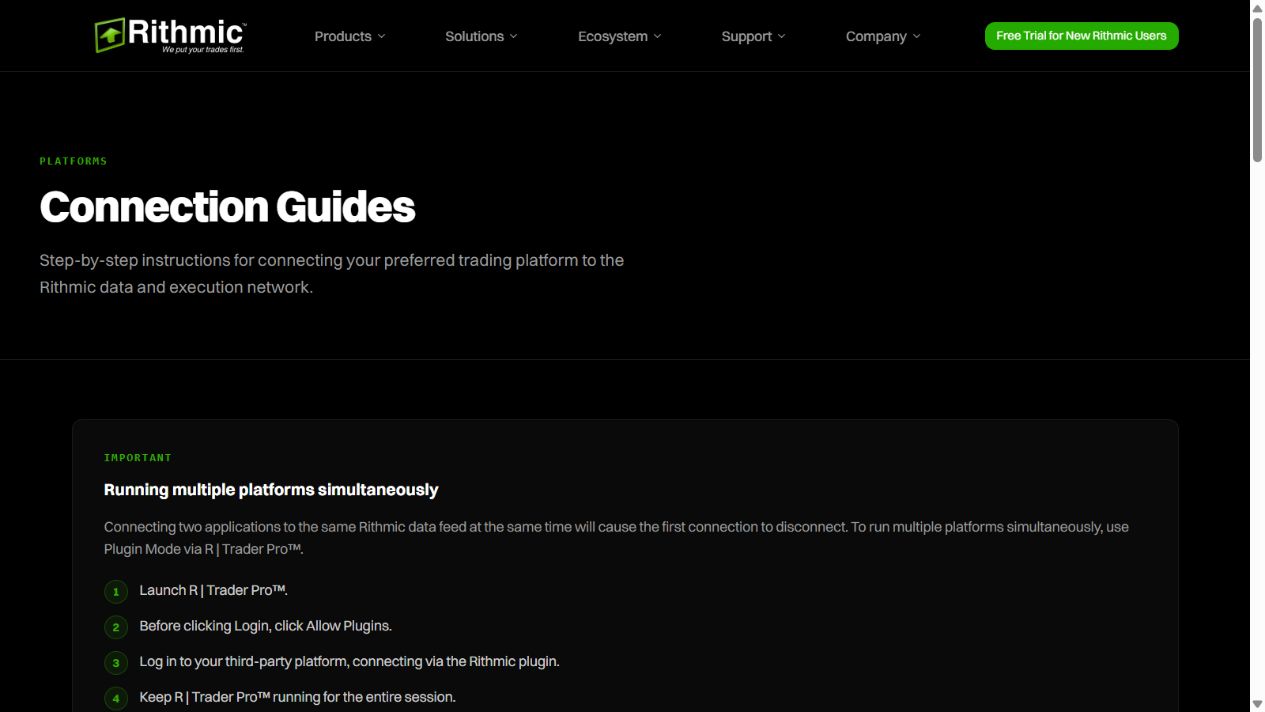
If you need phone access, check the supported mobile route for your provider instead of assuming a desktop entitlement applies.
If comparing data/routing services, compare Rithmic and CQG connection requirements for the intended platform and provider.
If choosing between services, compare Rithmic and Tradovate workflows for the actual platform and account rather than treating compatibility as universal.
Common questions
Does compatibility mean every feature works?
No. Check the exact route, edition and account.
Does plugin mode work with all platforms?
Only with documented compatible clients and matching host settings.
Is a paid licence also a market-data subscription?
Not necessarily. Obtain both applicable terms.
Were all these apps authenticated on this VPS?
No. Vendor-documented routes are distinguished from the native RTrader and web observations.