
Download RTrader Pro from Rithmic’s official product page or the installer linked by your account provider. Run the Windows installer, open the application, then use the Rithmic credentials and System assigned to your account. Installation alone does not activate data or trading access.
Educational software guidance. Trading involves risk. Read the financial and information disclaimers.
Before You Install RTrader Pro
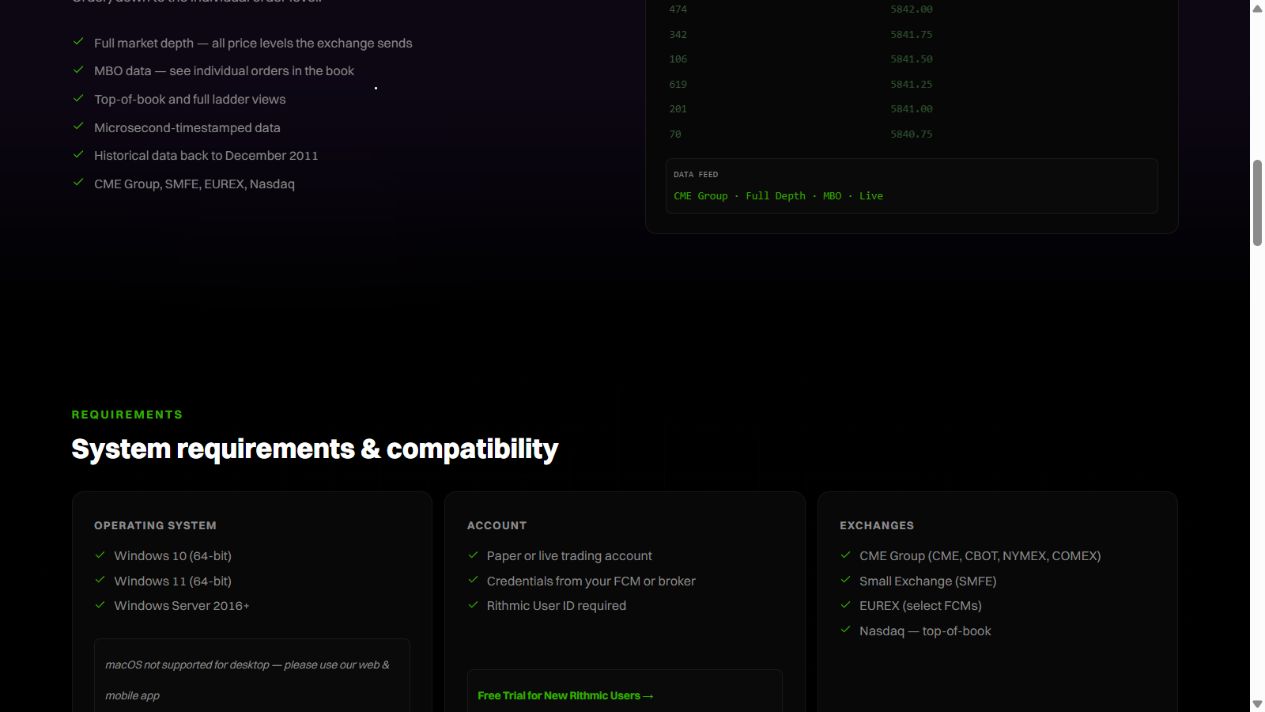
Rithmic's current desktop page lists 64-bit Windows 10, Windows 11 and Windows Server 2016 or later. The Windows desktop app is not a native macOS application. Check the provider's supported platform and current operating-system support as well; a listed minimum is not a reason to run an unsupported operating system.
If the provider supplies a branded installer or a required upgrade sequence, use its current instructions. An already working installation does not need to be removed merely to make its screens resemble this guide. Preserve your workspace and account information before a provider-directed reinstall.
Download and Install RTrader Pro on Windows
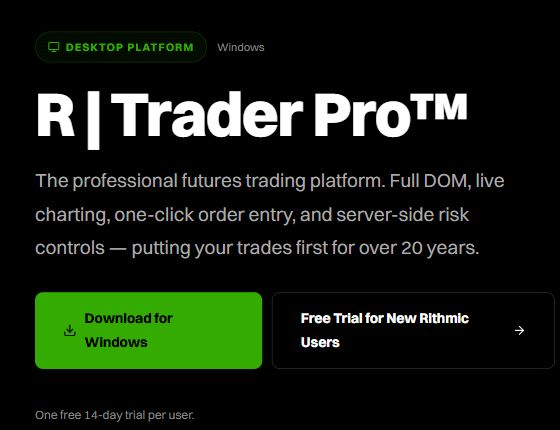
- Open the official product page and choose Download for Windows. Its current download link points to
downloads.rithmic.com/rtraderpro.msi. - Save the file and confirm its origin before opening it. Avoid third-party download mirrors.
- Run the installer. Read its licence terms and select installation options only if you agree. Screen wording can change between builds.
- Finish the installation and open Rithmic Trader Pro from Windows.
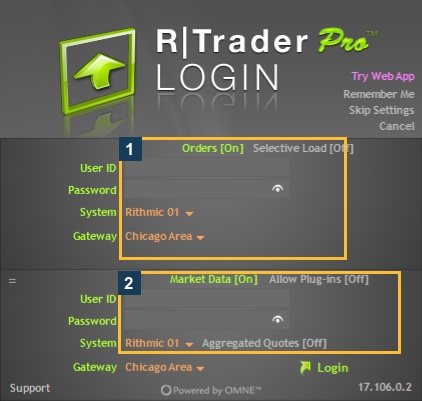
- Use the provider's trading username, password, System and Gateway. Do not select a System solely from a “funded” or “evaluation” label.
- Follow the first-login checks, including agreements and account visibility.
Check That RTrader Pro Installed Correctly
| Check | What it establishes |
|---|---|
| Application launches | Installation can run on this computer |
| Credentials accepted | Authentication succeeded for the selected service |
| Expected account appears | The login exposes that account |
| Market-data entitlement and quotes | Separate evidence of data access |
| Order acknowledgement and fills | Separate execution evidence, not part of installing software |
The VPS used for this library runs desktop version 17.106.0.2 with an existing authenticated session. The screenshots below show the download/requirements references and real login controls; they are not a recording of a fresh installation.
Troubleshoot RTrader Pro Installation or Launch
Keep the installer filename, Windows version and complete error. Check the provider's supported build and Windows installation policy. Do not disable security controls or delete the Rithmic folder as a generic repair. For a login error after launch, troubleshoot credentials/System rather than repeatedly reinstalling.
RTrader Pro Setup Screenshots
RTrader Pro Installation FAQs
Is the installer a Rithmic account?
No. Obtain trading credentials from your provider, or use the official trial if eligible.
Which System should I choose?
The one issued for that login. Apex, Rithmic Paper Trading and Rithmic 01 are distinct entries.
Can I install desktop RTrader Pro on a Mac?
The desktop build is for Windows. Rithmic offers web/mobile access for eligible accounts; its public demo does not include those interfaces.
Must I sign market-data agreements in the installer?
Agreement completion is an account workflow after installation or through the provider’s supported route. Read the actual forms and classify yourself accurately.