
Obtain the provider's Rithmic credentials and exact System/Gateway instructions, complete the required agreements accurately, then verify account visibility and market data separately. Configure the chosen platform using its own connection guide. A successful login is one checkpoint, not proof that orders or automated exits are ready.
Educational software guidance. Trading involves risk. Read the financial and information disclaimers.
1. Confirm what the provider issued
Record the Rithmic username, System, permitted gateway, account identifier and account type privately. Do not substitute the provider website password. Do not infer the System from the words evaluation or funded.
Apex's current Rithmic setup guide applies to Apex accounts. Ask another provider for its corresponding instructions rather than copying Apex settings.
2. Choose the supported interface
Use the provider's official download or Rithmic's desktop page for Windows desktop access. Web/mobile eligibility and desktop installation are separate. Confirm your account supports the intended route before relying on it.
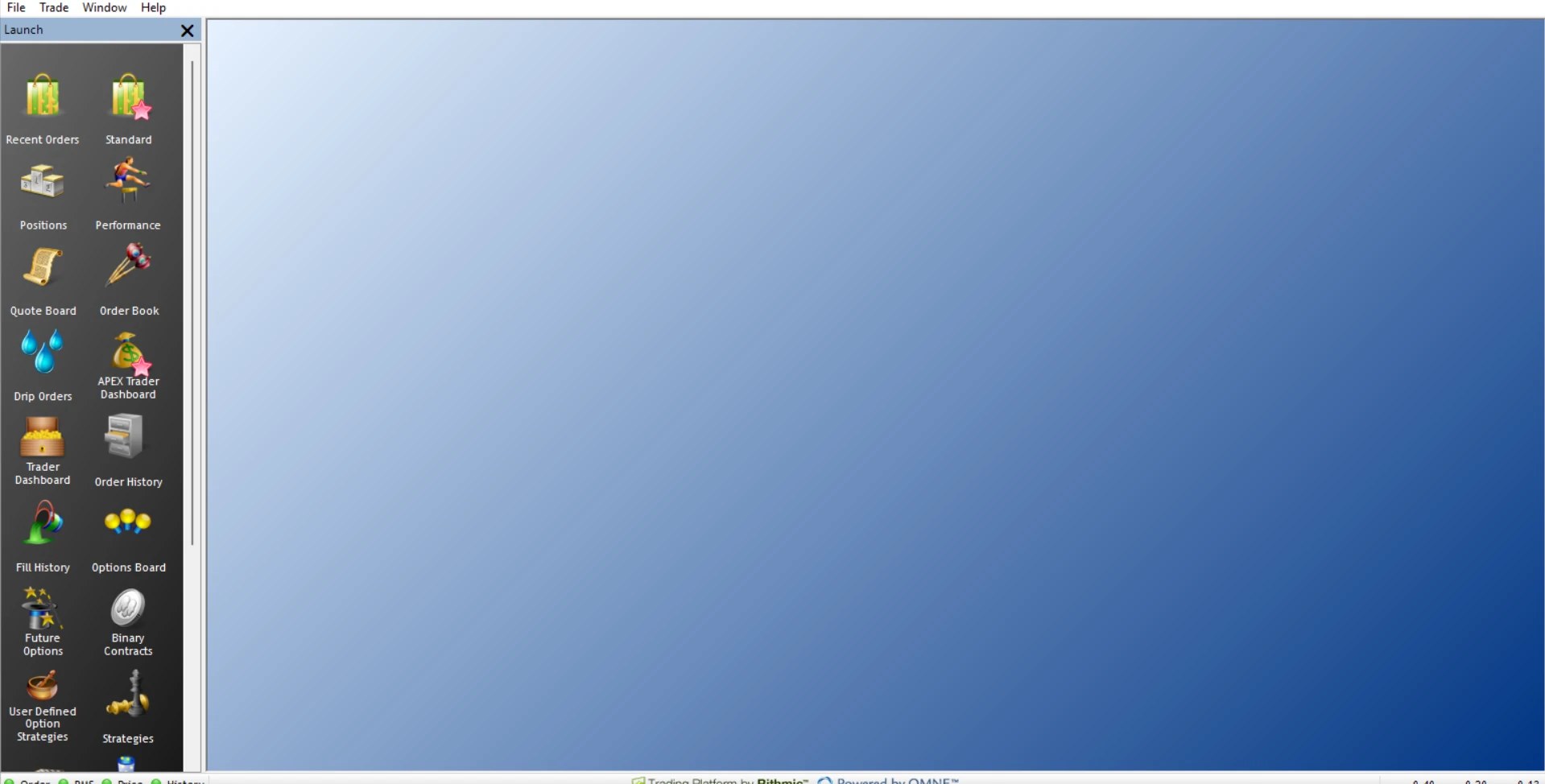
After login, verify that the expected account appears. The captured Apex/Chicago Area desktop session shows green Order, RMS, Price and History indicators. That example does not establish another account's entitlements or future availability.
3. Complete agreements and check data
Use the provider's agreement route. Read the subscriber criteria and answer the classification accurately. Do not select a category simply to obtain a lower fee or clear an error.
Confirm the exchange entitlement, data level and selected contract. There is no universal activation delay. If the agreement is complete but data is absent, compare entitlement status, price connection and the product's trading schedule before escalating.
4. Configure the trading platform
Follow the exact platform's direct-connection or plugin workflow. Plugin Mode is not required by every Rithmic-connected application. When a supported connector uses R Trader Pro as a plugin host, follow its instructions for keeping that host running. See the plugin guide.
Verify market data, account/position visibility and order routing as separate stages. Do not treat prices on a chart as proof of trading permission.
5. Review account limits and exit management
Read the provider's current position, margin, loss and session requirements. Distinguish administrator-controlled limits from any trader-configurable tools. A control visible in a template is not proof of a working protective order.
Identify which component manages exits and whether it must remain connected. Use the bracket guide to locate observed controls without assuming universal OCO or disconnect behaviour.
6. Define a permitted validation record
Before any simulation test, confirm the environment and provider permission. Document the intended account, contract, quantity and exit mode. The resulting record should distinguish request acceptance, execution, each exit state and final position. Do not use a live order merely to check that login works.
For TradingView automation, use the current generated payload for the selected connection. PickMyTrade's Rithmic setup documentation supplies route-specific prerequisites; compatibility does not establish firm permission or an executed trade.
Captured interface references
These images show the interface in the stated session. They do not reproduce an error or establish the outcome of an order.

Common questions
How long does setup take?
It depends on account activation, agreements, entitlement and platform configuration. No universal completion time has been verified.
Does every new account require a new login?
Not necessarily. Confirm whether the provider added an account under existing credentials or issued a separate login.
Must R Trader Pro stay open for every workflow?
No universal rule applies. It depends on whether the selected connector relies on its local plugin host and where order management runs.
Is completing this checklist a guarantee of safe execution?
No. It separates configuration checkpoints; actual orders require their own acceptance and execution evidence.