
A partial fill means only part of the order executed. The remainder may still be working. Reconcile the filled amount, open remainder, and actual position before resizing exits or sending a replacement.
Educational software guidance. Trading involves risk. Read the financial and information disclaimers.
Step by step
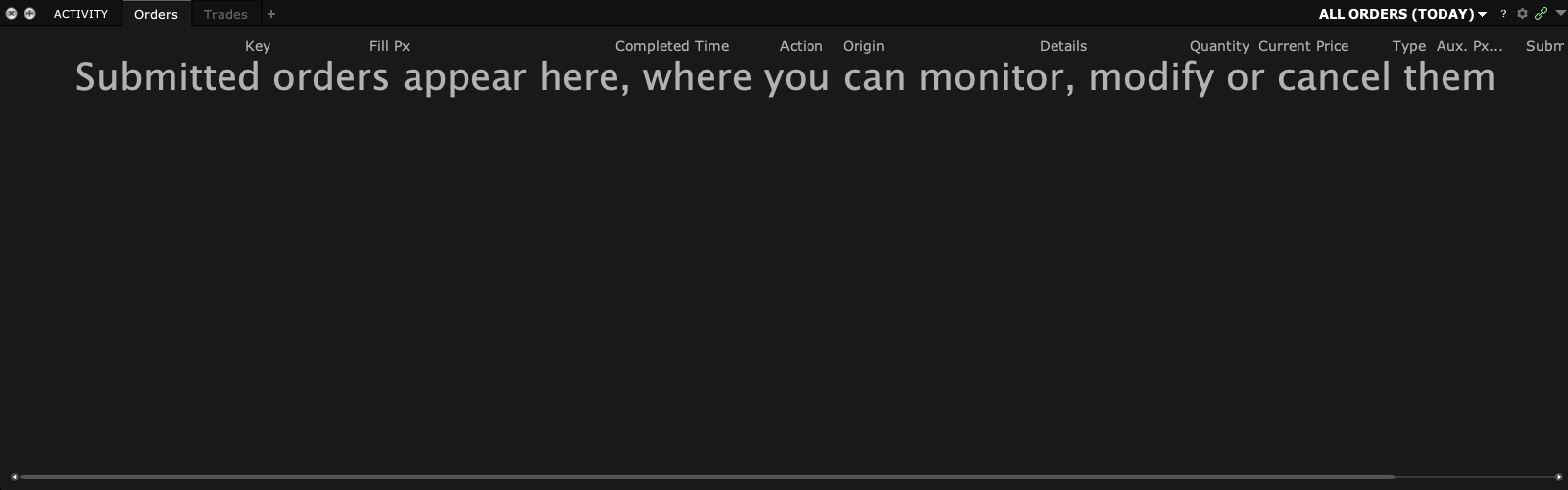
- 1 Read filled and remaining size on the order.
- 2 Check individual executions in the Trades view.
- 3 Compare the total executed amount with the current position, allowing for other trades.
- 4 Review any linked stop or target size against the position it should cover.
- 5 If cancelling the remainder, wait for cancellation confirmation and check for late fills.
A practical example
An order asks for ten shares and three fill. Seven may still be working. If you want to stop the rest, wait for the cancel result and look for any late fill. Then check the true position. Do the same for exits. An exit sized for ten may be wrong if only three shares were bought and the rest of the entry was cancelled. Use the broker’s final numbers, not the original plan alone.
Screen reference
Mistake to avoid
Common questions
Does partially filled mean the rest will fill?
No. The remaining size still depends on market and order conditions.
Can I replace the full original size?
First subtract what already filled and account for any still-working remainder.