
PendingSubmit means the order was sent but its destination has not yet confirmed acceptance. Check the connection, full status text, and any warning. Find out what happened to that request before sending another order for the same signal.
Educational software guidance. Trading involves risk. Read the financial and information disclaimers.
Step by step
- 1 Record the order ID and how long the state has persisted.
- 2 Check TWS connection status and any open warning dialog.
- 3 Review the app log for the original order request and the next broker response.
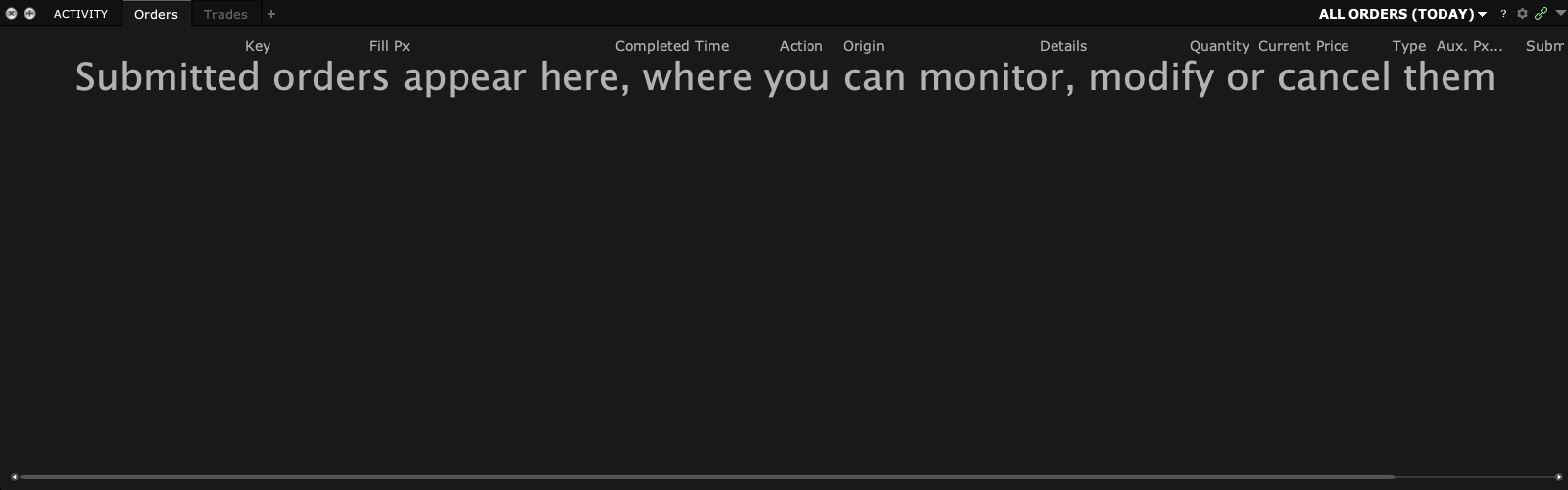
- 4 Check Activity and Trades for an accepted order or fill that the app has not reflected.
- 5 If the state remains unclear, pause duplicate submissions and contact support with the timeline.
A practical example
You click once and the app keeps showing PendingSubmit. Before clicking again, find the same ID in TWS. The broker may have a later state that the app has not shown yet. If the result is unclear, keep the time and ID for support. The point is to find the first request’s outcome. A second request can turn one unclear event into two orders that both need checking.
Screen reference
Mistake to avoid
Common questions
Is PendingSubmit the same as Rejected?
No. Read later status and error messages.
Should I click submit repeatedly?
No. Verify the original request first.