
First check whether the order has been sent. IBKR’s status guide describes Inactive as an order being created but not yet activated or sent. Read the full message and any linked order details before taking action. The label is not a fill receipt.
Educational software guidance. Trading involves risk. Read the financial and information disclaimers.
Step by step
- 1 Open the order’s detailed status in Activity and check whether it is a staged, unsent order.
- 2 Read the full status message. Check whether the app ever sent this order and received a broker response.
- 3 If it is a child order, check its parent’s status and filled size.
- 4 If it is conditional, review the exact activation condition and session.
- 5 Correct the found issue and check the complete order group before resuming automation.
A practical example
You type an order into TWS but leave it staged while you check the price. There is no reason to expect a fill yet: you have not sent it. Read its state and compare it with the app log if an app created it. A row on the screen is not proof of broker acceptance. Do not click Send merely to clear a label; first confirm that this is still the order you mean to place.
Screen reference
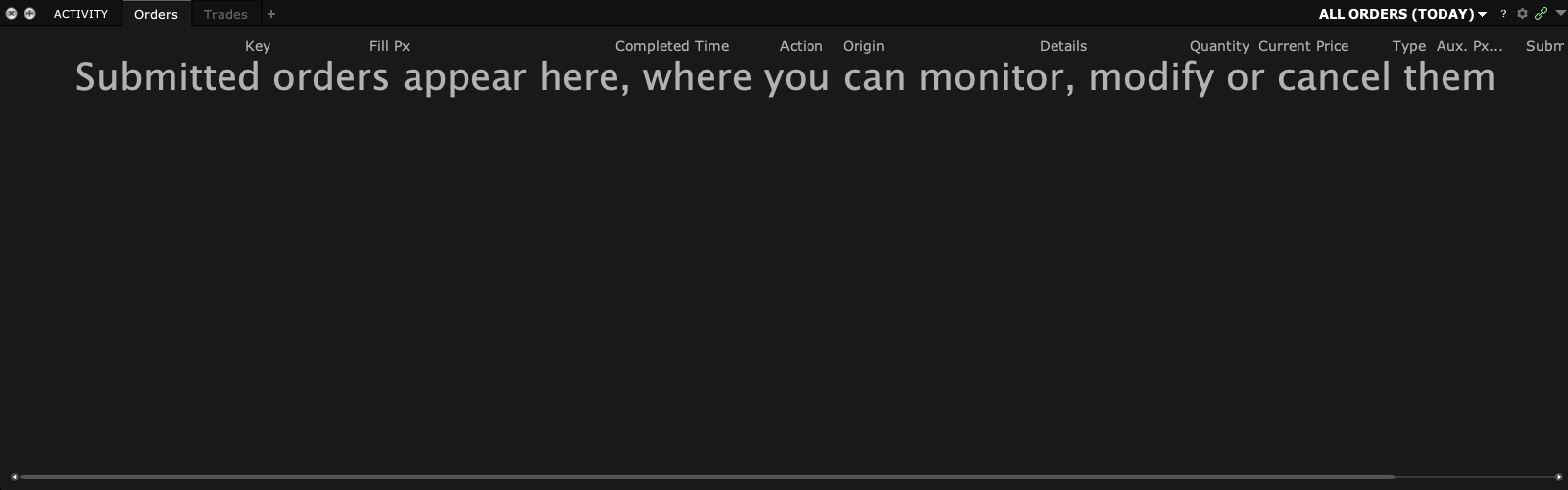
Mistake to avoid
Common questions
Can a child wait for its parent?
Yes. Inspect the linked parent rather than treating the child in isolation.
Does removing a warning always activate it?
No. Resolve the specific cause shown by the broker.