
A cancel request is not the same as a confirmed cancellation. The order may fill before the cancel reaches the venue. Check the final status, executions, and remaining position before replacing it.
Educational software guidance. Trading involves risk. Read the financial and information disclaimers.
Step by step
- 1 Identify the exact working order by contract, account, side, and ID.
- 2 Use the intended order’s cancel action, not a global cancel by mistake.
- 3 Wait for the broker’s response and read any cancellation error.
- 4 Check Trades for fills that occurred around the cancellation time.
- 5 Reconcile the remaining position and linked exits before creating a replacement.
A practical example
You request a cancel just as the market reaches your limit. A fill may arrive before the cancel takes effect. Wait for both messages, then check the position. If the order filled, a cancelled remainder does not undo that fill. This is why a replacement order must be based on the final result, not the time you pressed Cancel.
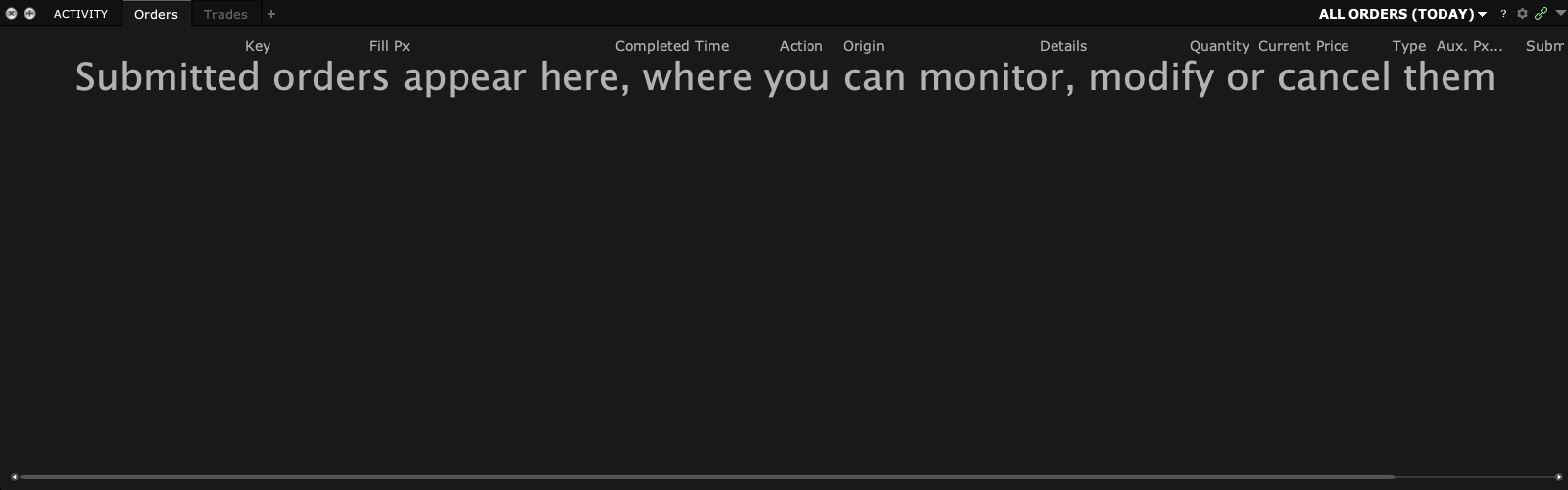
Screen reference
Mistake to avoid
Common questions
Does PendingCancel mean it cannot fill?
No. Treat it as unresolved until the broker confirms the result.
Should I cancel all orders to fix one?
Use the narrow action needed and understand which orders it affects.