
An option needs more than an underlying symbol. Check expiry, strike, call or put, trading class, and multiplier. Similar-looking contracts can represent different settlement or product details.
Educational software guidance. Trading involves risk. Read the financial and information disclaimers.
Step by step
- 1 Find the intended option in the TWS chain or watchlist.
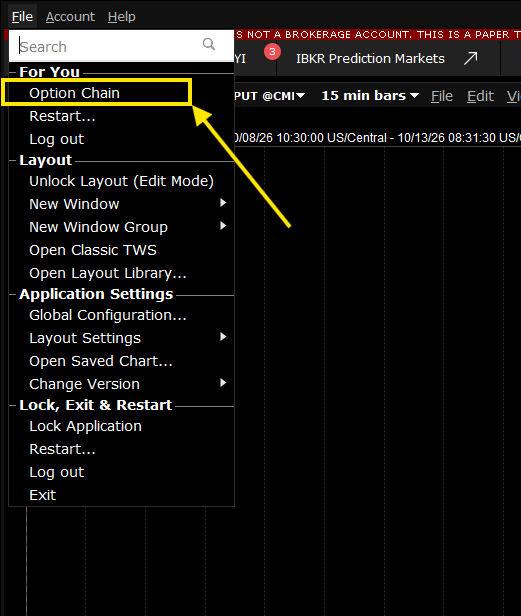
In Mosaic, File → Option Chain opens the option chain for the underlying. 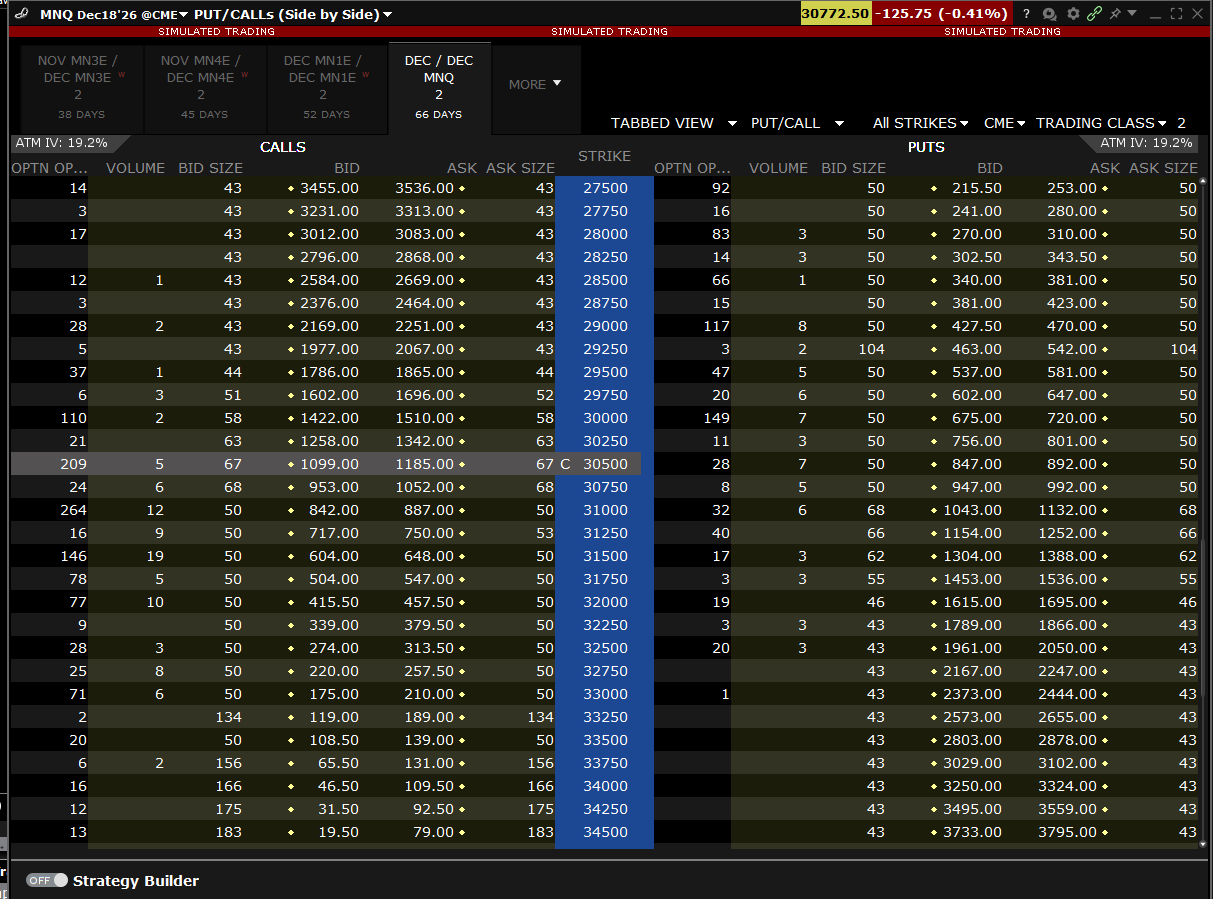
The option chain lists calls and puts by strike for each expiry; pick the exact row you intend to trade. - 2 Open Description and record its full identity.
- 3 Compare every option field with the alert generator and app mapping.
- 4 Correct the mismatched field in the supported setup.
- 5 Resolve the contract again and check it before a paper order test.
A practical example
Two rows show the same strike but one is a call and the other is a put. A short symbol in an alert may hide that difference. Open the full contract and compare every option field. Do the same for expiry and trading class. The test is an exact match, not a name that looks roughly right in a small cell.
Screen reference
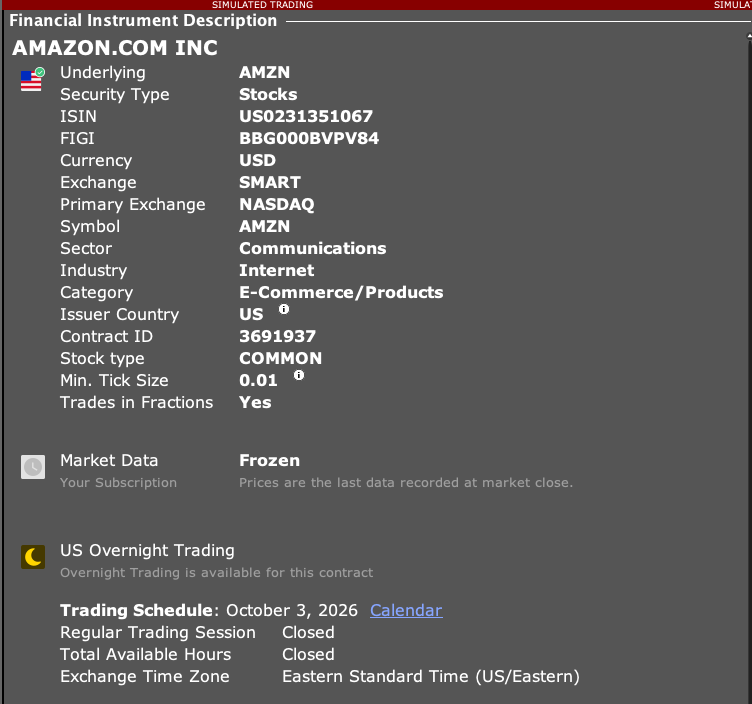
How to confirm the result The resolved option should match the intended expiry, strike, right, and trading class exactly.
Mistake to avoid
Do not assume all options with the same strike and date are the same contract.
Common questions
What does right mean?
It shows a call or a put in the contract definition.
Does the stock symbol identify the option?
No. The option’s extra contract fields are needed.