
Follow one paper signal from the chart to the broker record. Check the account, product, and size first. Then check the entry, exits, fills, and any orders left open. A green connection icon is only one check. Paper fills do not predict live fills.
Educational software guidance. Trading involves risk. Read the financial and information disclaimers.
Step by step
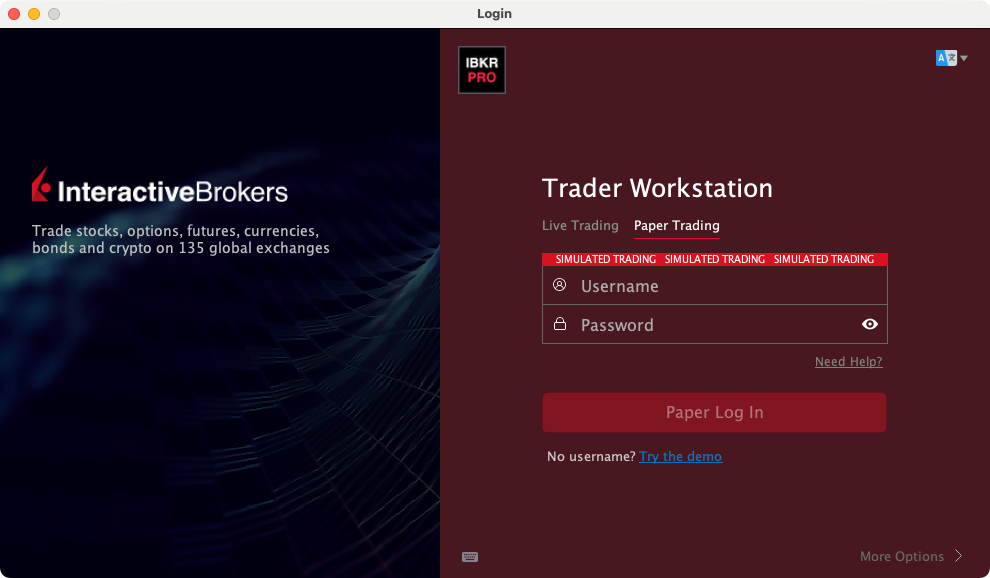
- 1 Confirm Paper Trading in TWS and the intended account in the desktop connection.
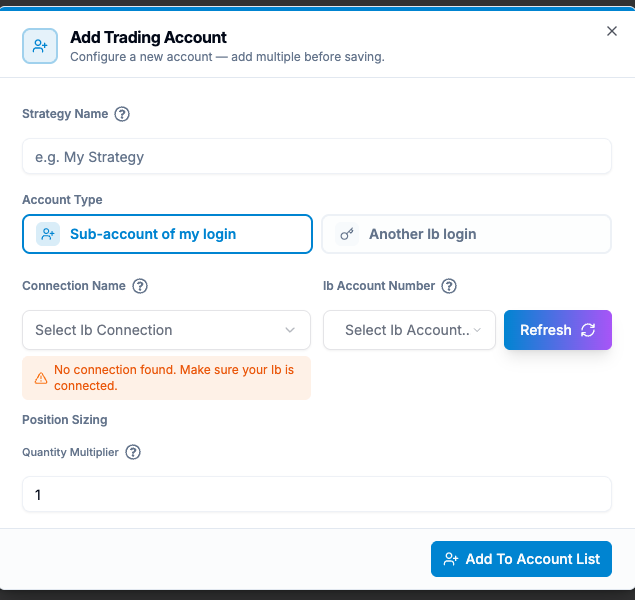
- 2 Review the generated alert’s contract, size, and exit mode.
- 3 Trigger one planned test event using the strategy’s supported method.
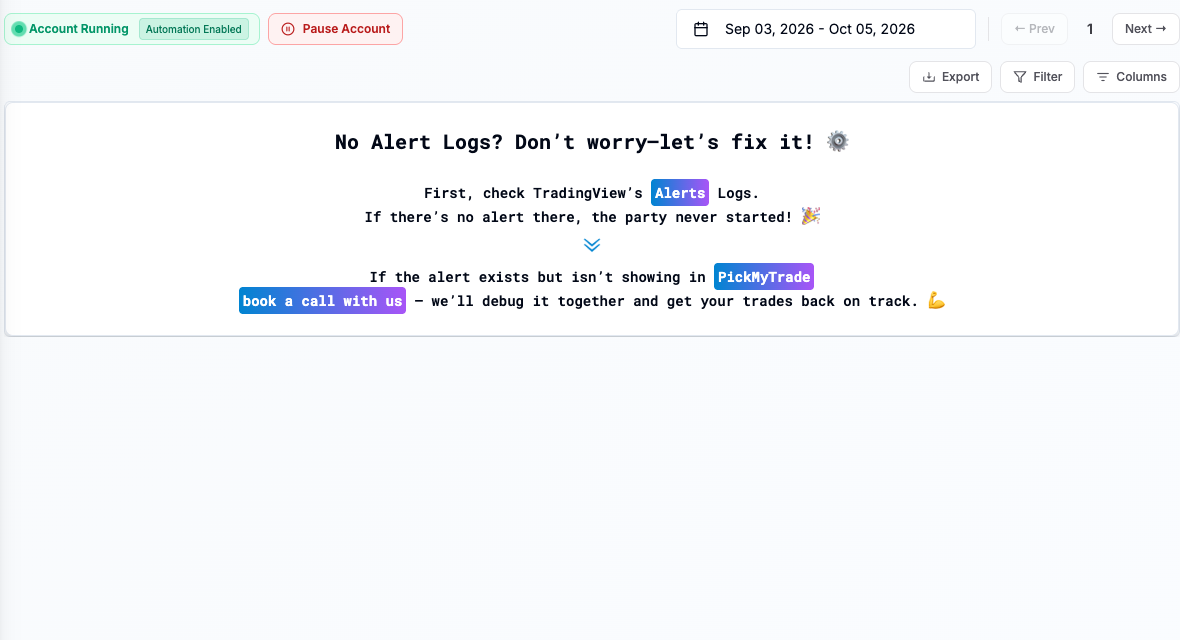
- 4 Compare TradingView delivery, PickMyTrade receipt, and TWS order acceptance and execution.
- 5 Check the final position and any remaining stops or targets before declaring the test complete.
A practical example
Write a small test record before you begin: the paper account, full product, size, entry type, and expected exits. After one signal, add the alert time, receiver result, broker ID, and final state. Compare each line with the plan. If the entry arrives but the stop is missing, the test has not passed. If the app gets an alert but TWS gets no order, trace that gap. The record should show what happened, not only a screenshot of a green connection.
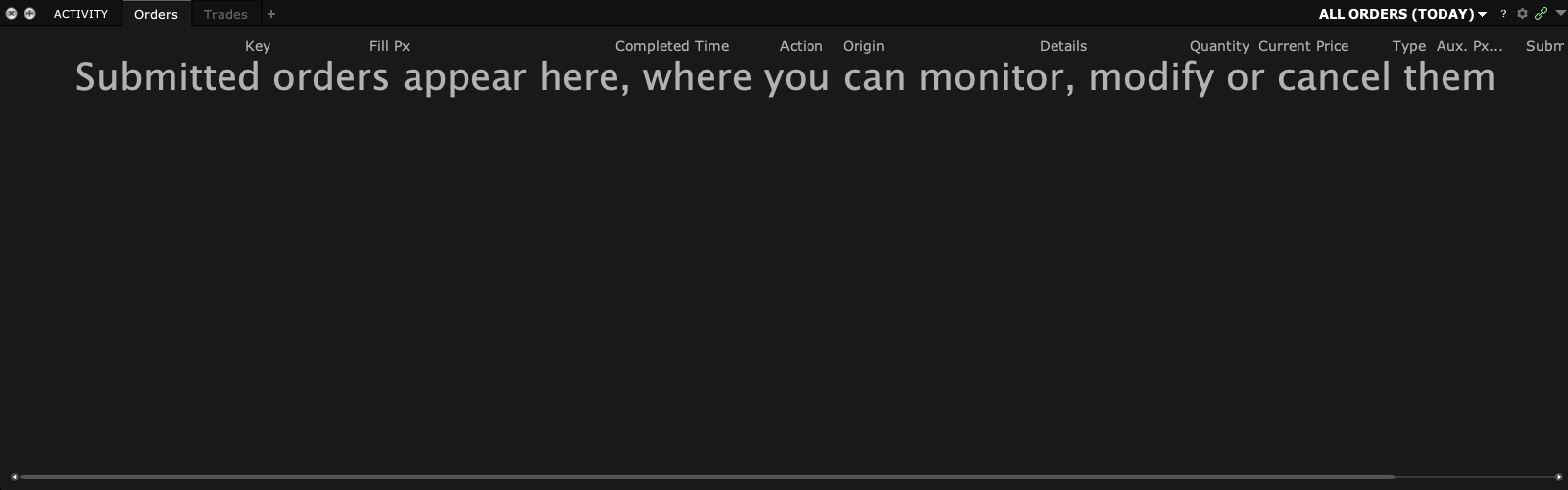
Screen reference

Mistake to avoid
Common questions
What does a paper test prove?
It can check the set flow and observed paper behavior.
Does it guarantee live fills or uptime?
No. Live execution and operating conditions need their own monitoring.