
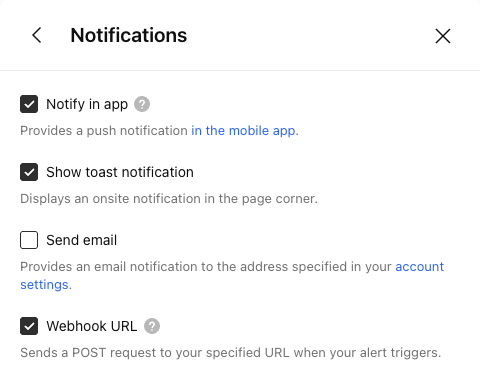
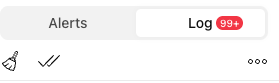
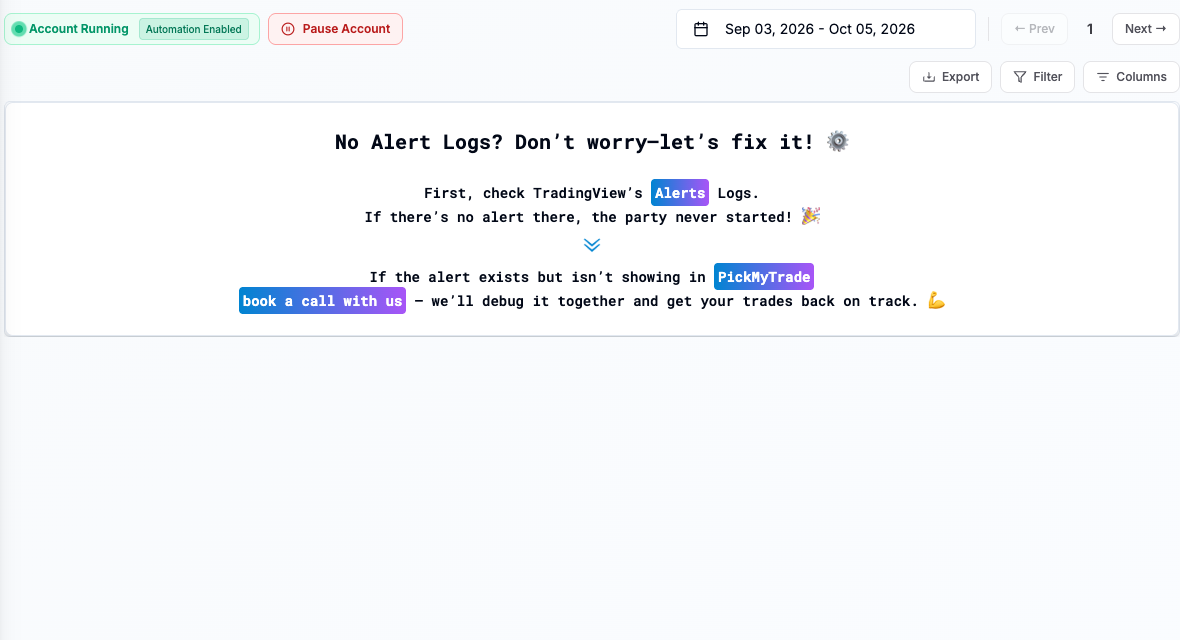
Read the Webhook status for the alert in TradingView. A domain, connection, or timeout failure happens before you can assume the broker received an order. Compare it with PickMyTrade’s own receipt log.
Educational software guidance. Trading involves risk. Read the financial and information disclaimers.
Step by step
- 1 Open the alert log and copy the exact delivery error and time.
- 2 Compare the alert’s webhook URL with the current URL generated by PickMyTrade.
- 3 Check for a typo, extra space, wrong destination, or an expired setup.
- 4 Look for a matching PickMyTrade receipt because some timeout cases can still reach a server.
- 5 Correct the destination or report the delivery error, then test once in paper mode.
A practical example
A log says it could not find the webhook domain. That tells you to inspect the web address. It does not point to the TWS socket port. Copy the current address from the app and compare it with the alert’s saved address. Keep secret parts private. After the correction, use one paper test and look for the same event in both the sender and receiver logs.
Screen reference
Mistake to avoid
Common questions
Does delivery failure prove no order exists?
No. Check the receiver and broker records, especially after a timeout.
Will changing the TWS port fix a domain error?
No. The webhook and local socket are different stages.