
Check broker state before allowing new signals. The app may have missed a status update even if the broker accepted the order. Reconcile account, positions, working orders, and recent executions first.
Educational software guidance. Trading involves risk. Read the financial and information disclaimers.
Step by step
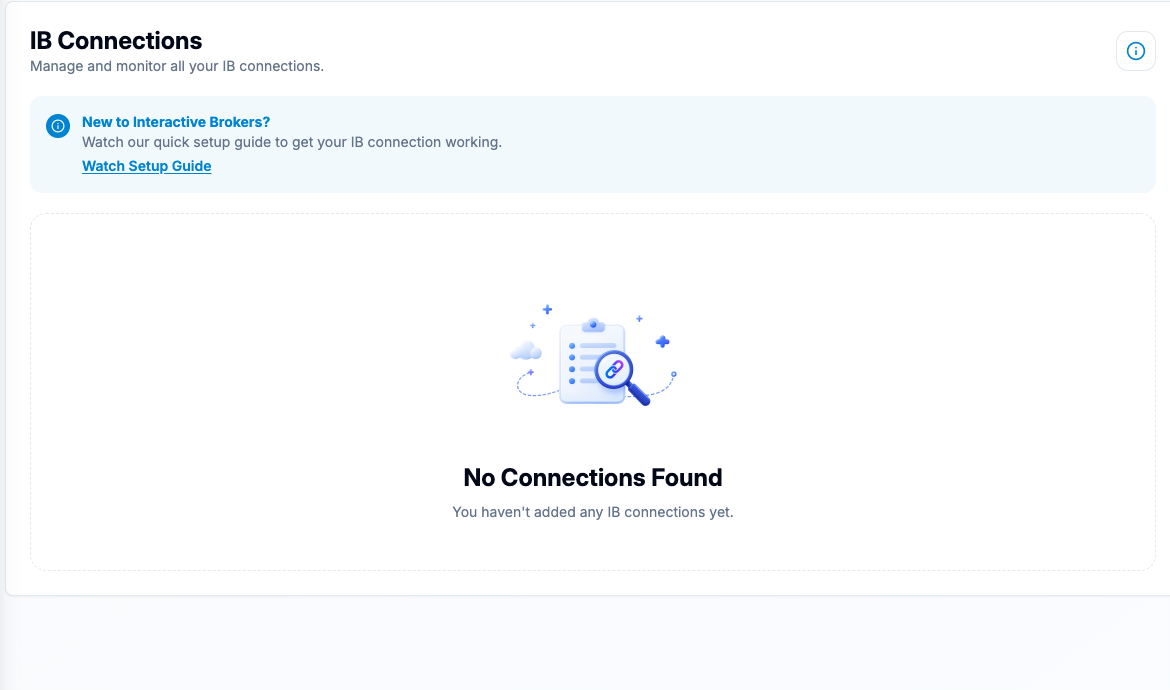
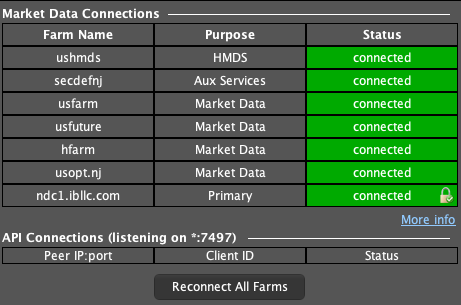
- 1 Confirm TWS and the desktop app are connected to the intended account.
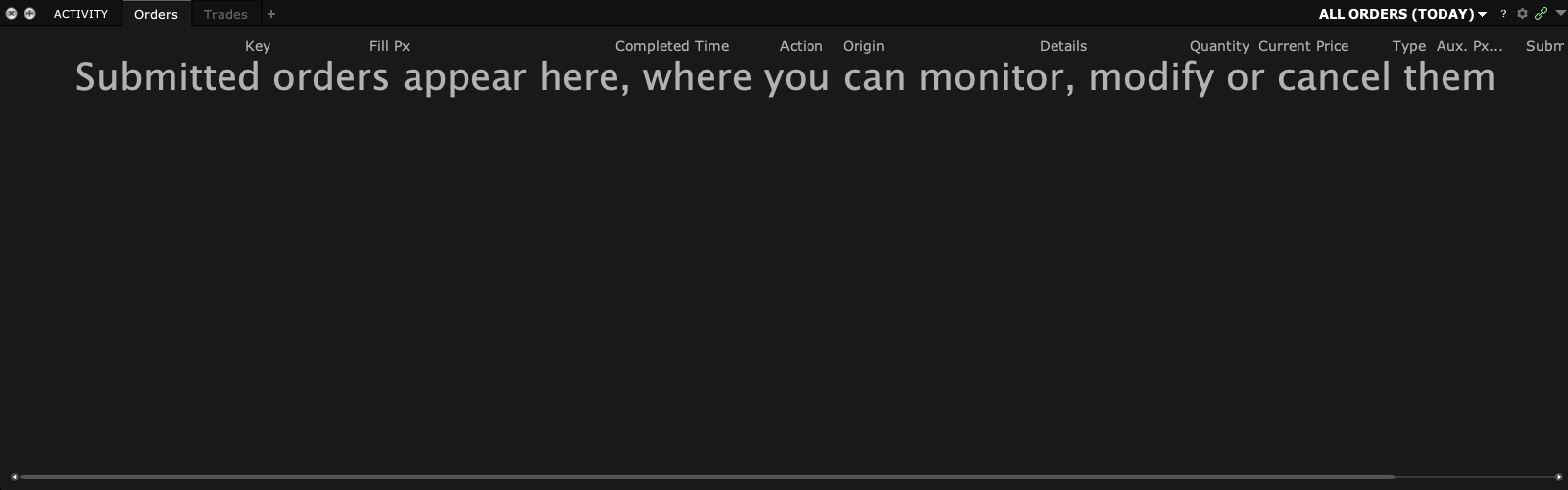
- 2 List the broker’s current positions and working orders.
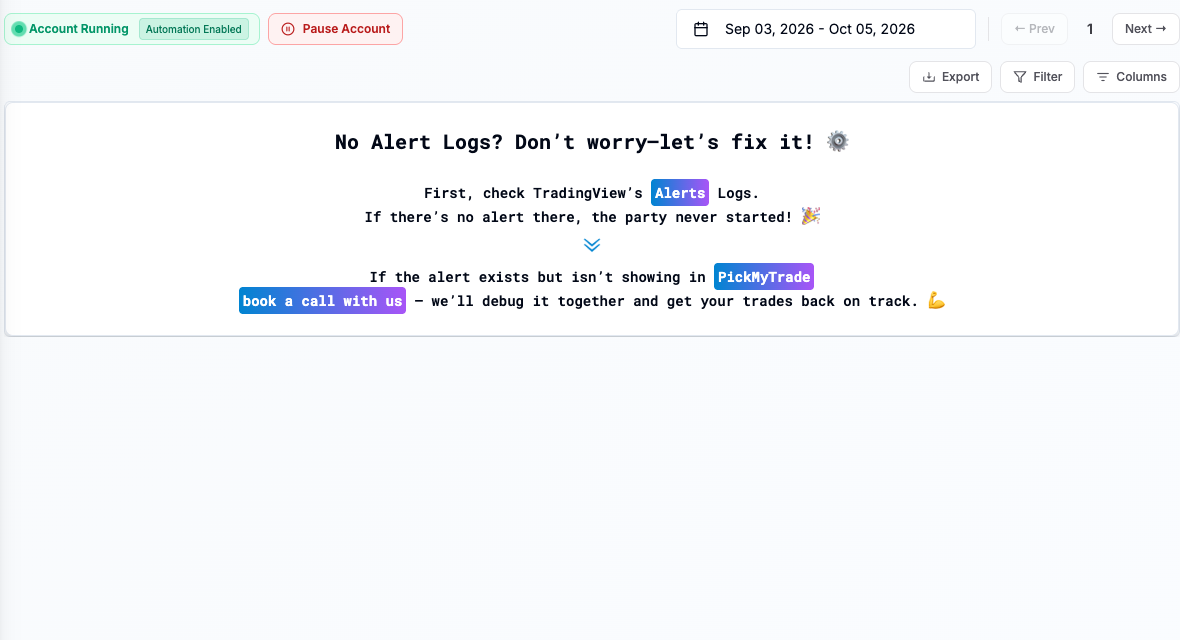
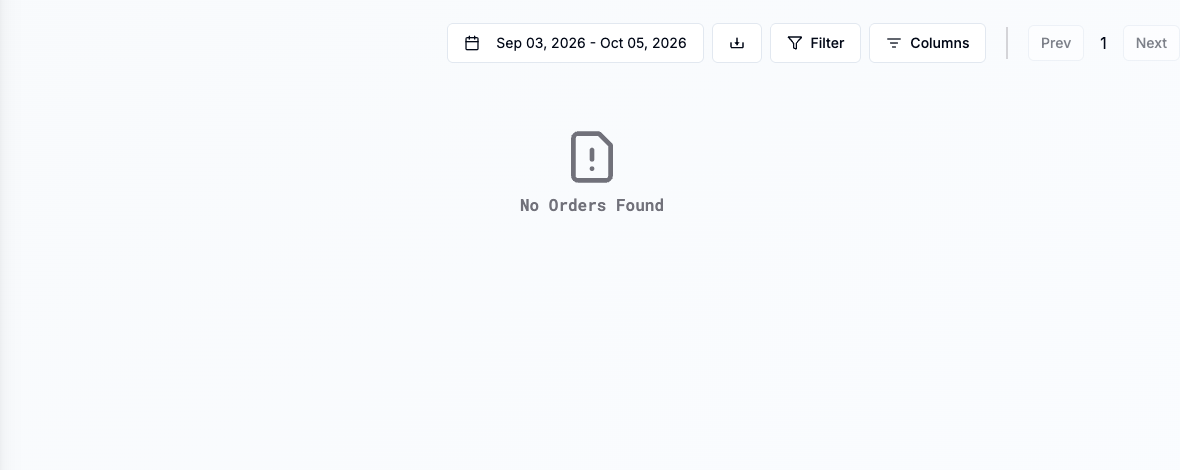
- 3 Compare executions during the outage with PickMyTrade’s alert and order history.
- 4 Resolve any uncertain alert outcome without blindly replaying it.
- 5 Resume with the supported workflow and monitor the first new event through all stages.
A practical example
The link drops just after an entry alert. On return, you see no fill in the app, but TWS shows that the broker filled it. A blind resend would create another entry. First match the broker fill to the old alert and bring the app state back in line through its supported process. Then check the exits. Only resume fresh signals from a state you can explain.
Screen reference
Mistake to avoid
Common questions
Should I replay every alert from the outage?
No. Some may already have produced broker actions or may no longer match the strategy state.
What is the source of truth for fills?
Use broker execution records.