
A last price can remain visible even when no current bid or ask is available to your view. Check market hours, the exact contract, and subscription status. Do not use an old last price as proof of a current tradable quote.
Educational software guidance. Trading involves risk. Read the financial and information disclaimers.
Step by step
- 1 Confirm the product and expiry in Description.
- 2 Open Financial Instrument Info → Description from the contract’s right-click menu. Read Market Data and Trading Schedule. The captured example shows Frozen data and a closed market.
- 3 Inspect the quote’s data-status indicator and any subscription message.
- 4 Compare the same contract in another TWS quote view, without changing the product.
- 5 If the market is active and data permission is correct, record the missing fields and time for support.
A practical example
You see a last price of 2.00 for an option, but its bid and ask are blank. Do not assume you can buy it for 2.00. That may be an old trade. Check the date, market session, and feed status. Keep the fields blank in your own notes until you have valid current values. A made-up zero would hide the real data gap.
Screen reference
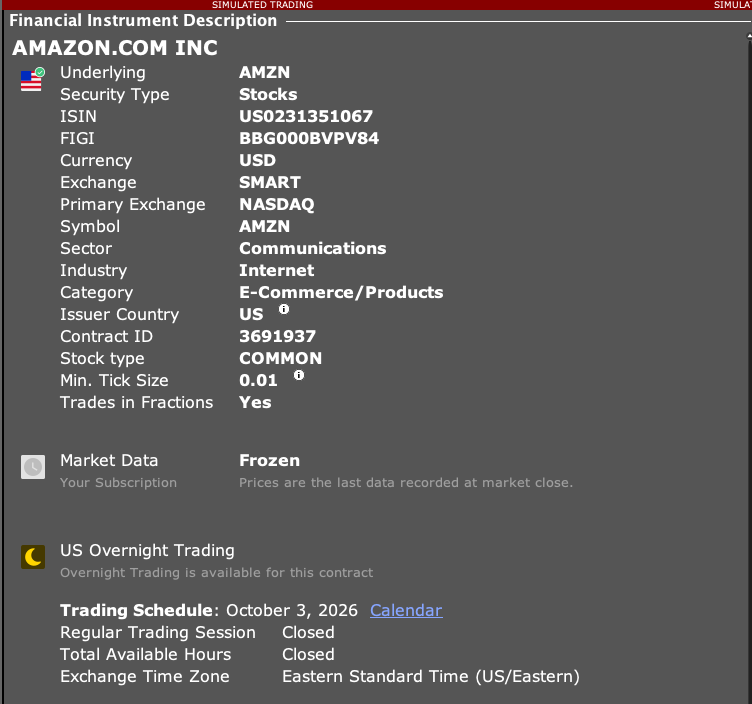
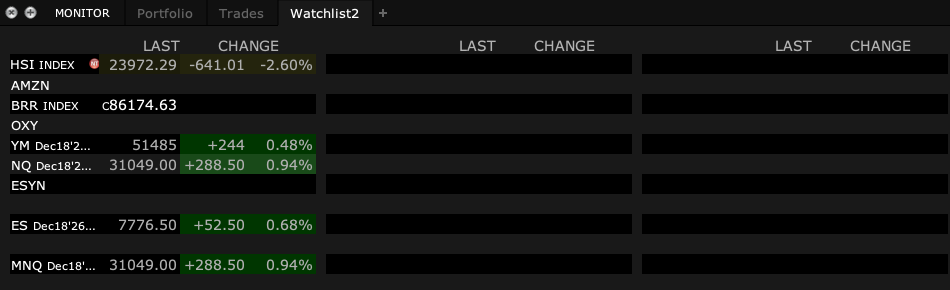
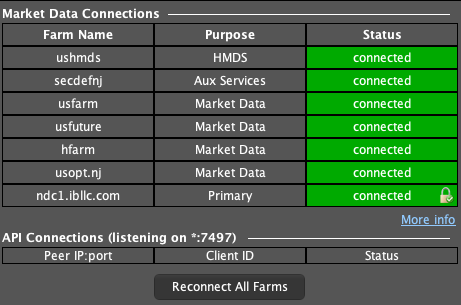
How to confirm the result You should know whether the empty fields are due to the session, feed, or a repeatable data issue.
Mistake to avoid
A missing quote should remain marked as missing in an app, not converted to zero.
Common questions
Can an illiquid option have sparse quotes?
Yes. Check its actual quote availability and market session.
Does last price equal the current ask?
No. They describe different market details.