
Error 201 is an order rejection. The reason after the code is the useful part: it can point to permissions, funds, order size, price checks, or another rule. There is no single checkbox that fixes every 201.
Educational software guidance. Trading involves risk. Read the financial and information disclaimers.
Step by step
- 1 Find the rejected order in the TWS Activity panel and open its status details.
- 2 Copy the full reason, symbol, order ID, and timestamp. Remove account details before sharing.
- 3 Match the reason to the needed check: contract permissions, available funds, price, or order attributes.
- 4 Compare the sent values with your intended order and correct the found cause.
- 5 Before a retry, check that no other order or fill was created for the same signal.
A practical example
Two orders can both return 201 for very different reasons. One may ask for more funds; another may use a product the account cannot trade. Copy the words after the code. Those words tell you which branch of the guide to use. If you change the wrong setting, the order will still fail and you may have removed a control that you needed.
Screen reference
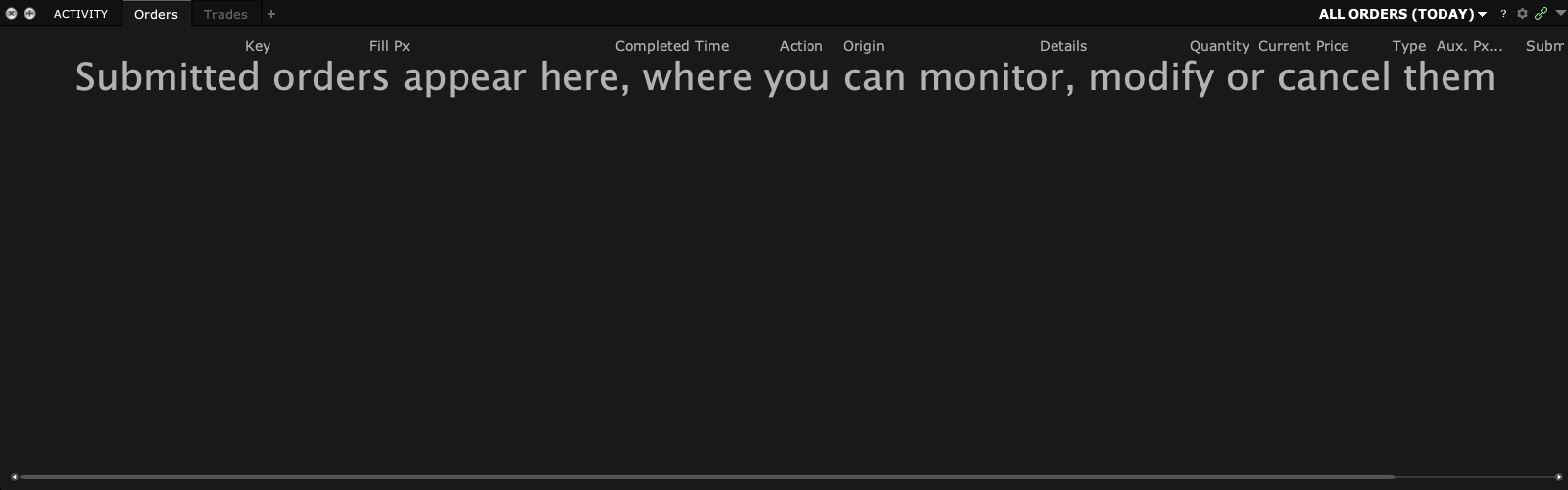
How to confirm the result The next planned attempt should address the exact rejection reason. A different rejection needs a fresh diagnosis.
Mistake to avoid
Do not raise limits or remove protections merely because the code is 201.
Common questions
Is every 201 a margin problem?
No. Read the broker’s full reason.
Does PickMyTrade receiving the alert mean IBKR accepted it?
No. Alert receipt and broker acceptance are separate events.