
A timeout means TradingView did not receive a timely response; it does not by itself prove the receiver did nothing. Check PickMyTrade and TWS before replaying the signal so you do not create a duplicate.
Educational software guidance. Trading involves risk. Read the financial and information disclaimers.
Step by step
- 1 Record the timed-out alert’s time, symbol, and available identifier.
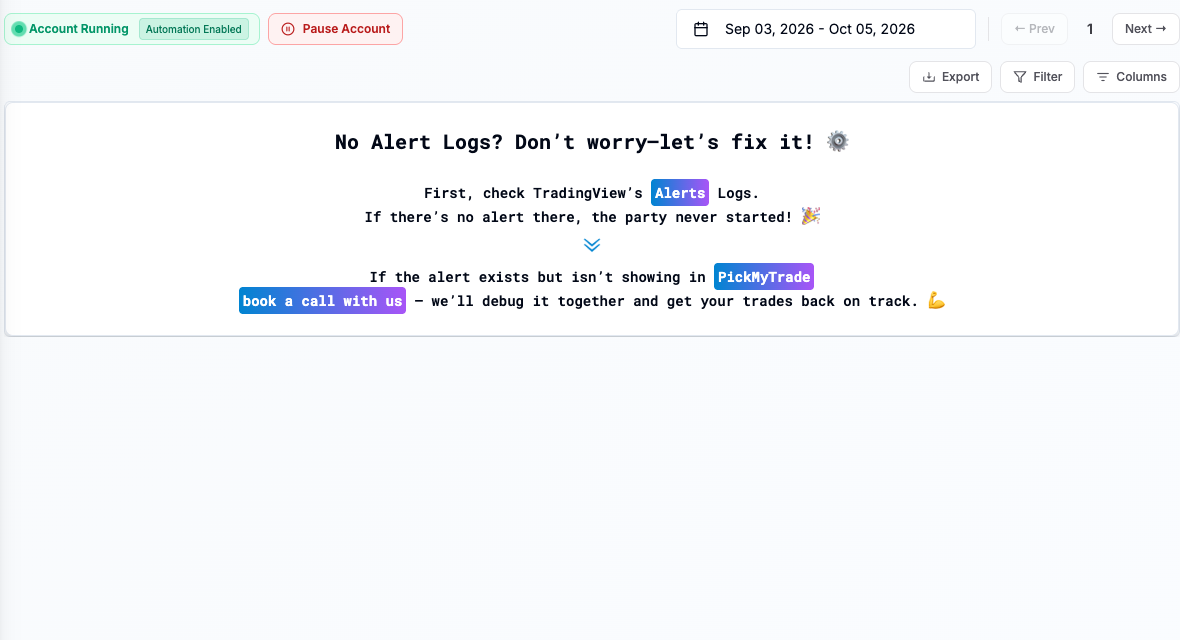
- 2 Search PickMyTrade’s alert history for the same event.
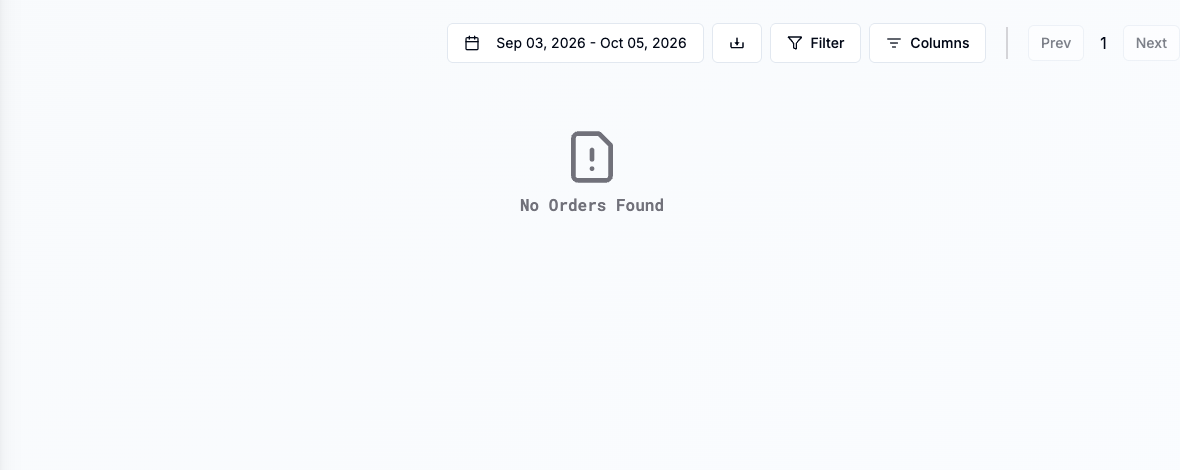
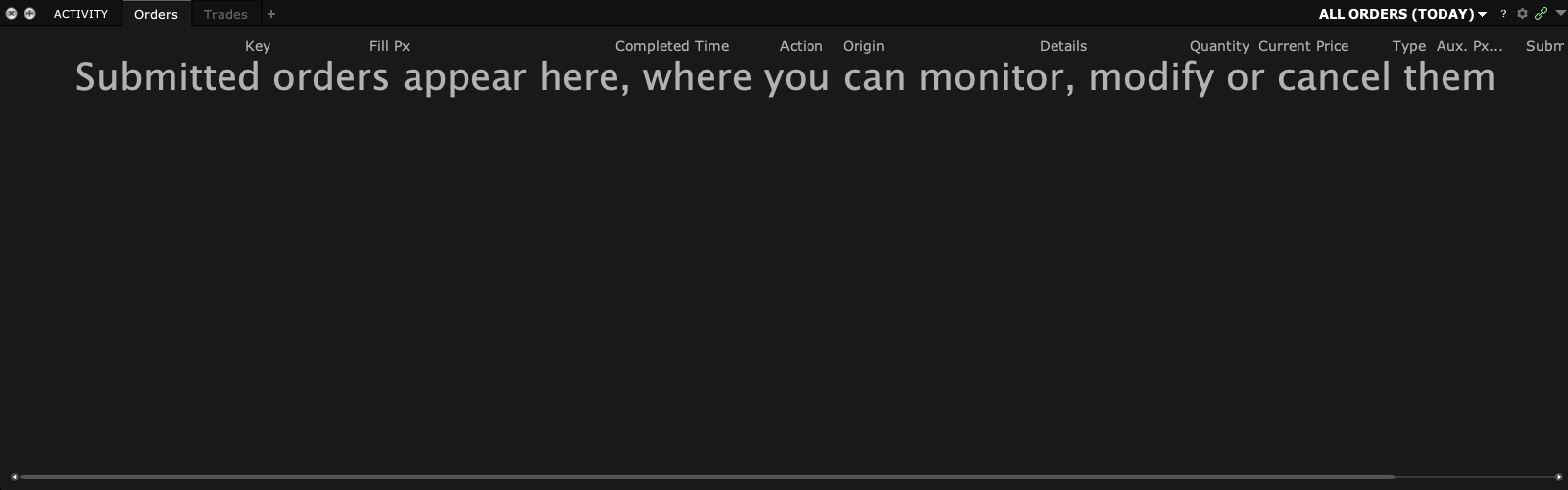
- 3 If it was processed, check TWS orders and executions for the resulting action.
- 4 If its outcome is unclear, ask support to trace the request before manually resending it.
- 5 Run a fresh controlled paper test after the delivery issue is resolved.
A practical example
Imagine a parcel reaches a desk, but the receipt does not make it back to the sender in time. The sender sees no timely reply even though the desk may have the parcel. A webhook timeout can leave the same kind of doubt. Look for the event at the receiver and then at the broker. Only decide on a resend once you know what the first event did.
Screen reference
Mistake to avoid
Common questions
Can a timeout happen after receipt?
Yes. Receipt and the response reaching TradingView are different events.
Does a timeout automatically use TradingView’s documented retry rule?
Check the exact response condition; not every failure is retried the same way.