
Use the Rithmic credentials and exact System issued by your broker or prop firm. Check account activation and the complete error message. An FCM or IB-related response can require the provider to check account mapping; it is not solved by assuming every evaluation uses Paper Trading or every funded account uses Rithmic 01.
Educational software guidance. Trading involves risk. Read the financial and information disclaimers.
Check the login details
- Obtain the Rithmic login from the provider's current account instructions.
- Confirm the username and password have no unintended surrounding spaces and that letter case is correct.
- Match the System and Gateway to those instructions.
- Verify the account is activated for the intended platform or interface.
- Record the complete response and timestamp if the login is still rejected.
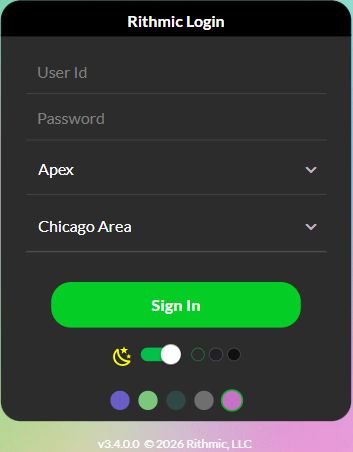
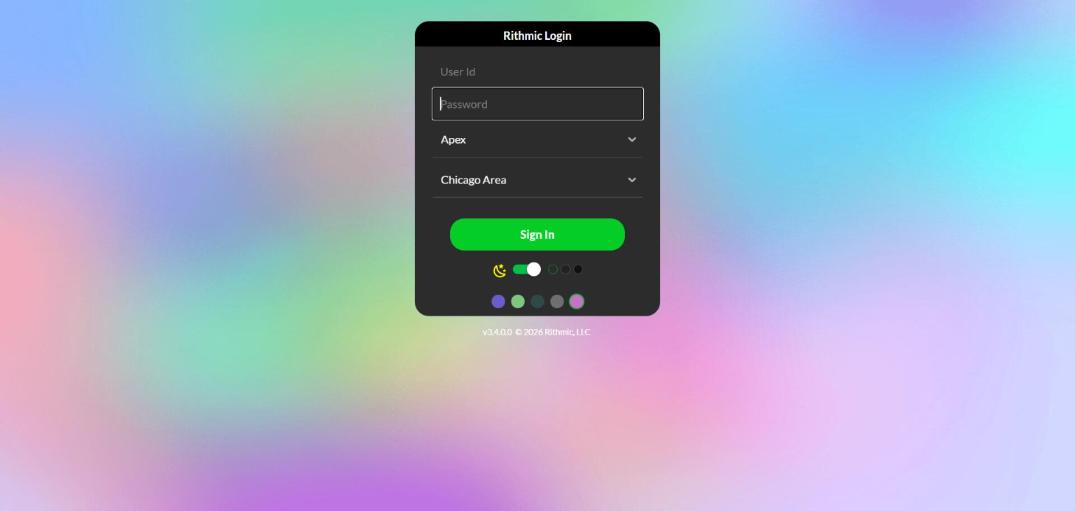
Apex's Rithmic setup documentation describes its own account route. Do not generalize those settings to another provider. In this review, an authenticated Apex/Chicago Area desktop session was established; the clean web image below is a separate interface reference.
Separate authentication from data and order access
| Stage | What success establishes | What it does not establish |
|---|---|---|
| Login accepted | This interface accepted the supplied session details | Every account and data entitlement is active |
| Quotes update | Data is available for the selected view | Orders will be accepted |
| Account visible | The account is returned in this session | Permission for every product, quantity or strategy |
If the login succeeds but the price connection fails, use the market-data troubleshooting guide. Avoid repeated password changes for an entitlement problem.
FCM and IB-related responses
FCM refers to a futures commission merchant; IB commonly refers to an introducing broker in this context. Preserve the exact error instead of treating a generic phrase as a complete diagnosis. Ask the provider to verify the login's System, account association, activation and permitted route.
Do not invent a broker name, FCM identifier or replacement System in the connection settings. A provider-side restriction may not be repairable inside the trading platform.
Check another open session carefully
Session allowances depend on the interface and provider. Plugin Mode is a supported arrangement for specific connectors, not a universal permission to share every login. Quantower's Rithmic troubleshooting guide explains its connection checks.
Before closing another application, identify whether it manages working exits or automation. A blanket instruction to disconnect every session can interrupt that management.
Captured interface references
These images show the interface in the stated session. They do not reproduce an error or establish the outcome of an order.
Common questions
My provider website login works. Does that prove my Rithmic password works?
No. The website and Rithmic credentials can be separate. Use the provider-issued Rithmic details.
Should I wait a fixed number of minutes for a new account?
No universal activation time is established. Use the provider's status and published activation guidance.
Should I update other applications after a password change?
Any application using the old Rithmic credential needs its stored connection details updated through its supported process. First confirm the change with the credential issuer.
What belongs in a support request?
Include provider, platform/version, System/Gateway, exact error and time. Share necessary account details privately; never post the password or token.