
Error 103 points to an invalid reused or outdated order ID in the API client. Stop repeated retries and check the broker record first. The app must manage its order-ID sequence correctly after startup and reconnects.
Educational software guidance. Trading involves risk. Read the financial and information disclaimers.
Step by step
- 1 Pause the alert source that is repeatedly producing the rejection.
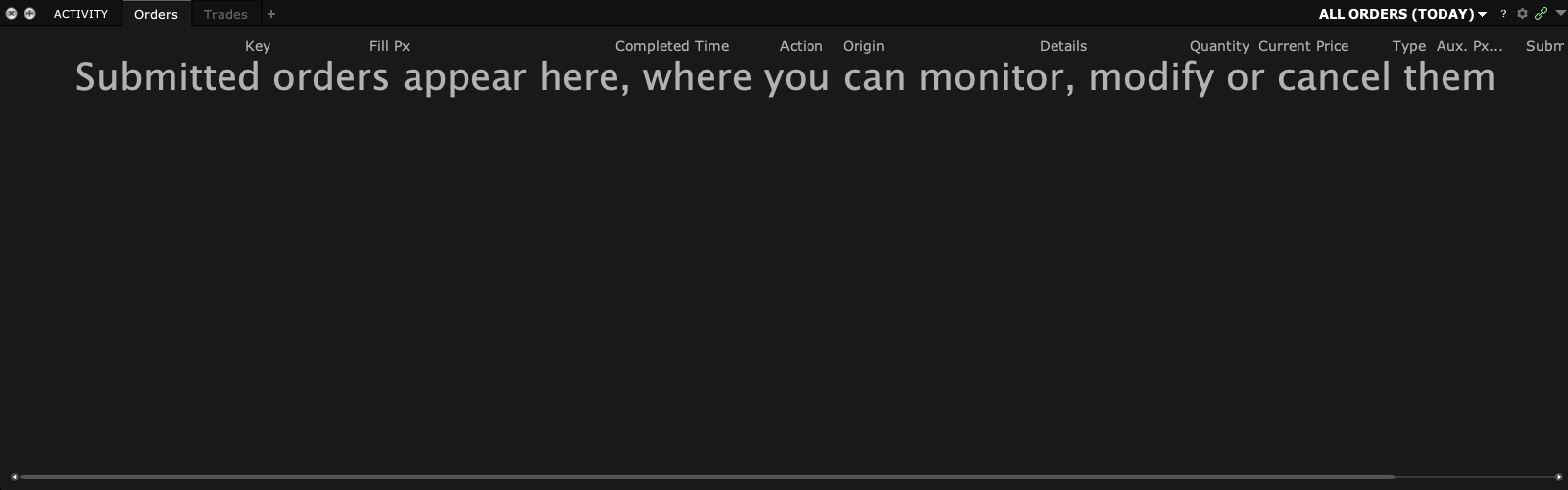
- 2 Find the first rejected ID in the app log and compare it with TWS orders and fills.
- 3 Check whether another instance of the same app is running.
- 4 Send support the ID sequence and reconnect timeline, with secrets removed. The client may need a sequencing fix.
- 5 Resume only after the app has synchronized its order state and support has found the cause.
A practical example
An app has used order ID 50, reconnects, and tries to start again at 20. The broker may reject that sequence. A user should not keep pressing Retry to find a number that works. Preserve the log that shows the reconnect and let the app provider check how it chooses the next ID. Meanwhile, read the broker’s order list so you know what already exists.
Screen reference
Mistake to avoid
Common questions
Is this the same as client ID 326?
No. A client ID shows a connection; an order ID shows an order in that client’s workflow.
Should I reset order IDs manually?
Do not use an ID reset as a routine fix for a running app.