
Use a supported Windows host, secure remote access and the account provider’s current installer/connection instructions. Verify the actual account and data before adding automation. A VPS hosts software; it does not grant Rithmic entitlement, guarantee uptime or establish a particular execution latency.
Educational software guidance. Trading involves risk. Read the financial and information disclaimers.
Check account permission
Confirm that the firm permits order transmission from a VPS for your exact account and tool. Platform compatibility does not establish that permission. Current TopstepX API rules, for example, prohibit remote-server order flow; that is a separate platform route, not a general Rithmic rule.
Prepare the host
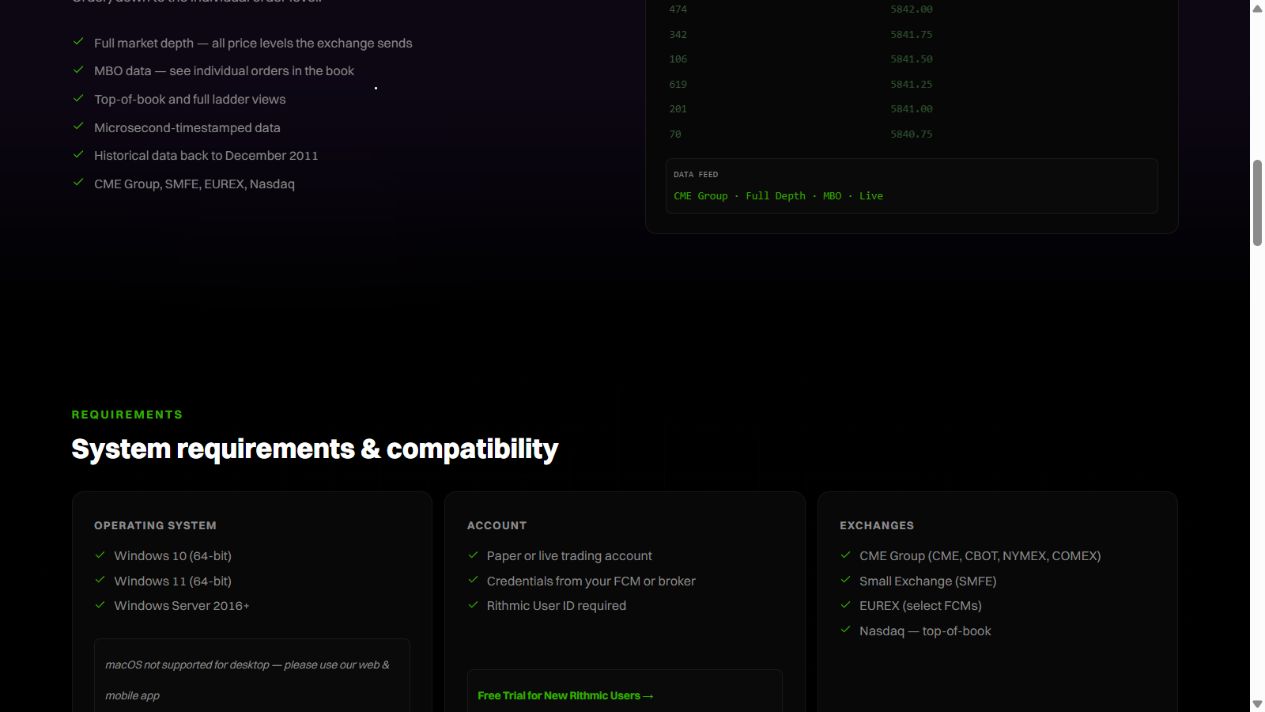
Rithmic's desktop page lists 64-bit Windows desktop/server requirements. Choose a currently supported operating system and size resources for the actual platforms, charts and history load. Obtain a current quote that identifies location, Windows licensing, backup and support costs.
Use the hosting provider's supported secure access method. Protect administrator credentials, keep the firewall enabled and restrict remote access appropriately. Do not copy public forum port lists into broad firewall exceptions.
Install and connect
- Download RTrader Pro from the official/provider-supported route.
- Preserve any existing workspace before an update or reinstall.
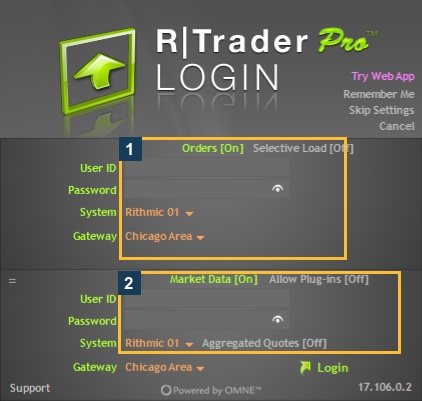
- Enter the issued trading credentials and exact System/Gateway.
- Complete only required agreements after reading and accurately answering them.
- Match the intended account in Trader Dashboard and inspect exchange/data status separately.
- Add a client or automation component using its documented connection architecture.
The screenshots here come from a real Windows VPS session. They demonstrate native controls, not a benchmark of a particular hosting plan.
Keep the intended session running
Microsoft distinguishes disconnecting the viewer from ending the remote session. Applications remain active only while the remote session remains active; host timeout policies, sign-out and reboot can terminate it. Confirm the host policy before leaving a local strategy or plugin client dependent on that session.
Prepare recovery
Record startup order, local order-management dependencies and the provider's emergency procedure. Back up configuration, schedule supported updates appropriately and check state after any restart before enabling signals. Do not store plain-text credentials inside a public guide or shared screenshot bundle.
Screenshot references
Common questions
Must the VPS be in Chicago?
No universal location requirement applies. Choose against the supported service and measured path.
Does closing RDP close the platform?
A viewer disconnect differs from signing out, but host session policy still matters.
Does the VPS eliminate session limits?
No. Account and data permissions remain unchanged.
Does a public trial support every automation route?
No. Rithmic’s temporary trial has interface restrictions, including Protocol.